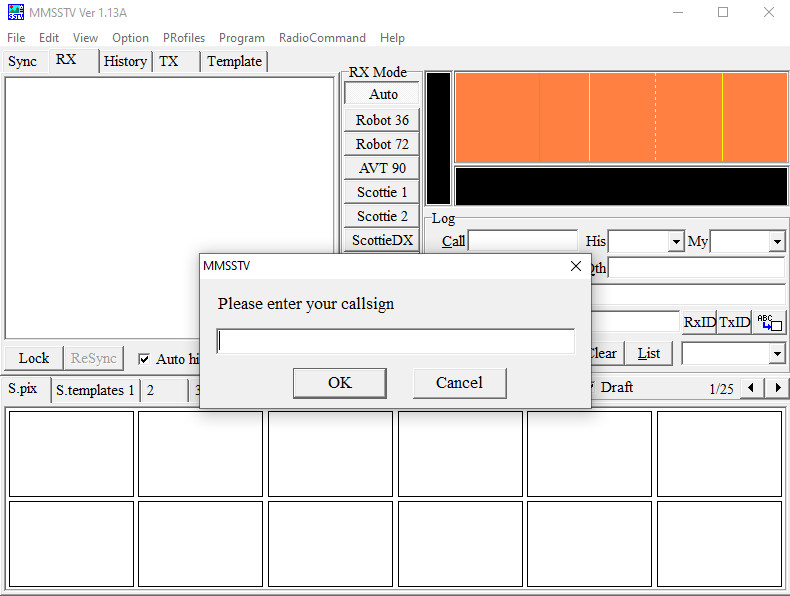
What MMSSTV does
MMSSTV is a program for transmitting and receiving Slow Scan Television using a PC sound card. Audio from the receiver is decoded by MMSSTV, while transmitted SSTV tones can be sent from the computer to the radio.
Original system requirements
The original MMSSTV documentation was written for Windows computers of its era. It lists Windows 95 through Windows 7, a 16-bit sound card at 11025 or 22050 Hz, 256 colours or more, and at least 32 MB of RAM.
PC and radio hookup
MMSSTV uses the computer audio system. For reception, connect suitable receiver audio to the selected recording input or audio interface. Transmit operation additionally requires an audio path back to the radio and, where used, a PTT or radio-control interface.
Before your first reception
- Connect the receiver audio to the computer or audio interface.
- Start MMSSTV.
- Select the correct sound device.
- Tune to an active SSTV frequency.
- Set the audio level so the signal is clear and not overloaded.
- Open the RX window and watch the spectrum display.
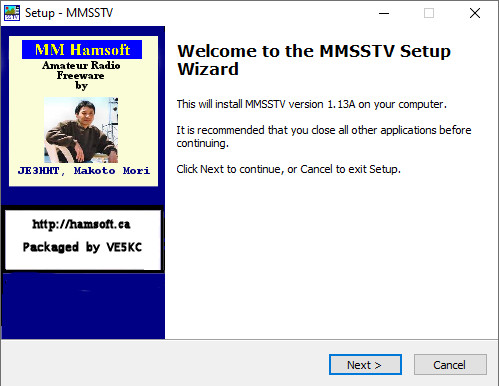
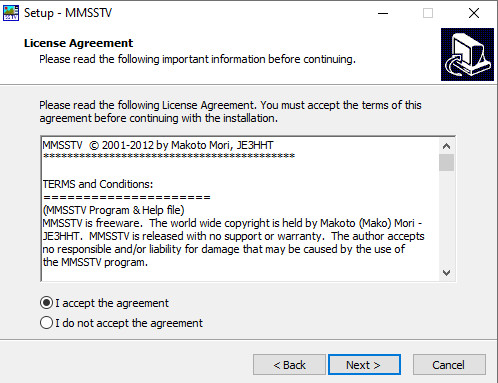
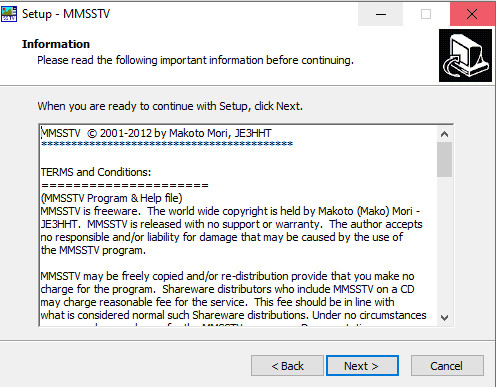
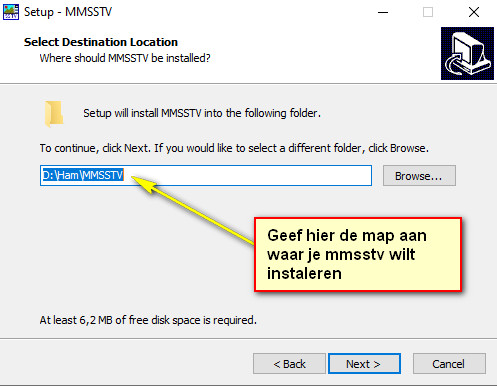
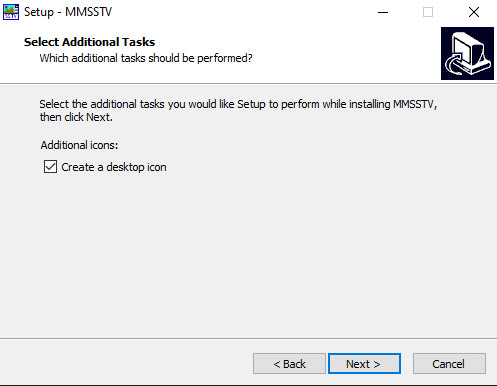
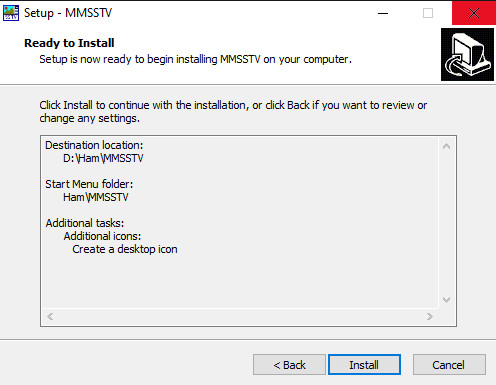
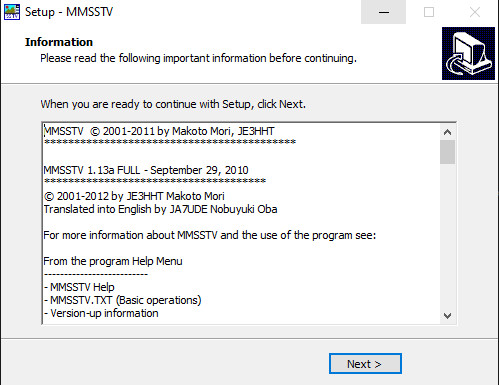
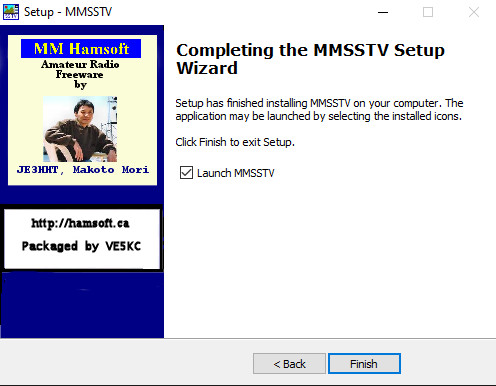
Installing MMSSTV 1.13A
The screenshots below show the classic MMSSTV 1.13A installation procedure. They are preserved here as a visual step-by-step guide to the original Windows setup program.