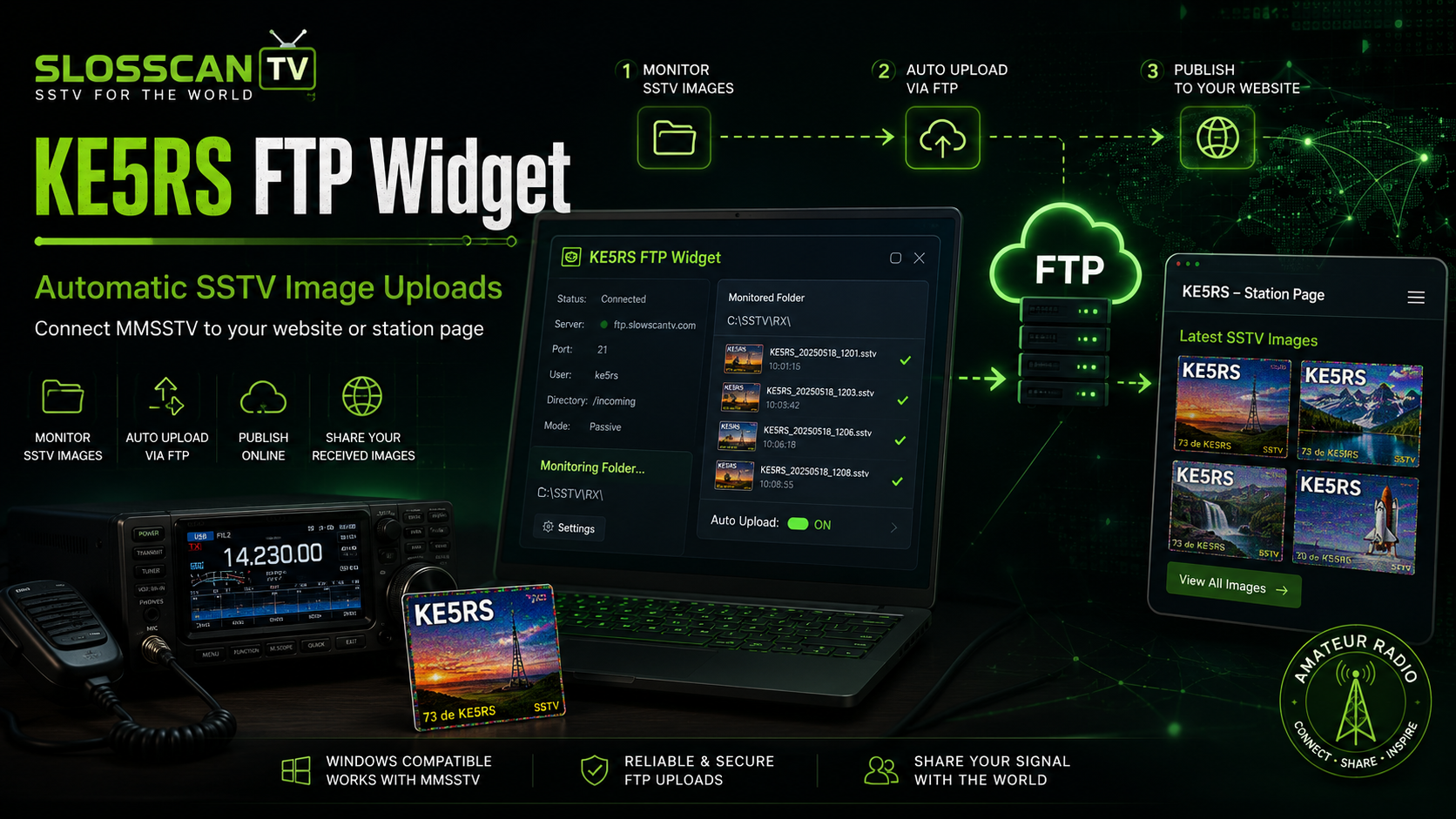

KE5RS FTP Widget
The KE5RS FTP Widget is a small utility used by many Slow Scan Television stations to automatically upload received SSTV images to a web server.
It works together with software such as MMSSTV and makes it possible to display newly received images on websites such as SlowscanTV.
What does the FTP Widget do?
MMSSTV saves a received SSTV image on the computer. The FTP Widget watches this image file and automatically transfers it to the station's directory on the web server.
This means the operator does not need to upload every image manually. After an SSTV transmission has been received and saved, the image can appear on the website automatically.
How SlowscanTV names the images
Some instructions for the FTP Widget mention using a filename such
as latest.jpg. SlowscanTV does not use that naming
method.
SlowscanTV stations have used the following system with MMSSTV and the FTP Widget for many years:
image1.jpg — newest received image
image2.jpg — previous image
image3.jpg — third newest image
...
image30.jpg — oldest image in the current series
The important point is that image1.jpg is always the newest SSTV image.
Automatic image rotation
When a new SSTV image is received, the existing files are moved one position further in the series.
image29.jpg becomes
image30.jpg
image28.jpg becomes
image29.jpg
image2.jpg becomes
image3.jpg
image1.jpg becomes
image2.jpg
The new image is uploaded as
image1.jpg
This creates a continuously updated collection containing the thirty most recent SSTV images.
When another image arrives, the oldest
image30.jpg is removed or overwritten and all other
images move one position further.
Example station directory
Every participating SlowscanTV station can have its own directory on the server.
/members/CALLSIGN/
├── image1.jpg
├── image2.jpg
├── image3.jpg
├── ...
└── image30.jpg
The station callsign is normally used as the directory name.
The website reads image1.jpg to show the latest
received image.
Why use numbered image files?
Numbered files allow SlowscanTV to show more than only the latest reception. Visitors can also browse recently received images from a station.
This system can be used for:
- Displaying the latest SSTV image
- Creating a recent-image gallery
- Maintaining an archive of received images
- Generating station statistics
- Comparing reception conditions over time
MMSSTV configuration
MMSSTV should save the most recently received image using the filename expected by the FTP Widget.
For a SlowscanTV station, the uploaded result must always be:
The FTP Widget then manages the existing numbered images and uploads the new file to the correct FTP directory.
File and directory names are case-sensitive on many web servers. Therefore, use exactly:
image1.jpg
Do not use names such as Image1.jpg,
IMAGE1.JPG or latest.jpg unless the
website configuration has specifically been changed to support
them.
Important FTP settings
Each station must use the correct FTP hostname, username, password and remote directory supplied by the server administrator.
Never publish an FTP password on a website, forum, screenshot or social-media page.
When sharing a configuration screenshot, always hide the FTP username and password first.
Using the images on a webpage
A webpage can display the latest image with normal HTML:
<img
    src="members/CALLSIGN/image1.jpg"
    alt="Latest SSTV image from CALLSIGN"
>
Because the filename stays the same, browsers may sometimes show an older cached version. A timestamp can be added to the URL to force the browser to request the current image:
<img
    src="members/CALLSIGN/image1.jpg?v=<?= time() ?>"
    alt="Latest SSTV image from CALLSIGN"
>
SlowscanTV workflow
- An SSTV transmission is received by the radio.
- MMSSTV decodes and saves the image.
- The FTP Widget detects the new image.
- The existing numbered files move one position.
- The new image is uploaded as
image1.jpg. - SlowscanTV displays the new image on the station page.
Summary
For SlowscanTV, the latest image is not called
latest.jpg.
The newest image is always image1.jpg. Older
images are numbered sequentially from image2.jpg
through image30.jpg.
This reliable method has been used with MMSSTV and the KE5RS FTP Widget for many years and allows SlowscanTV to display both the latest reception and a recent-image history.