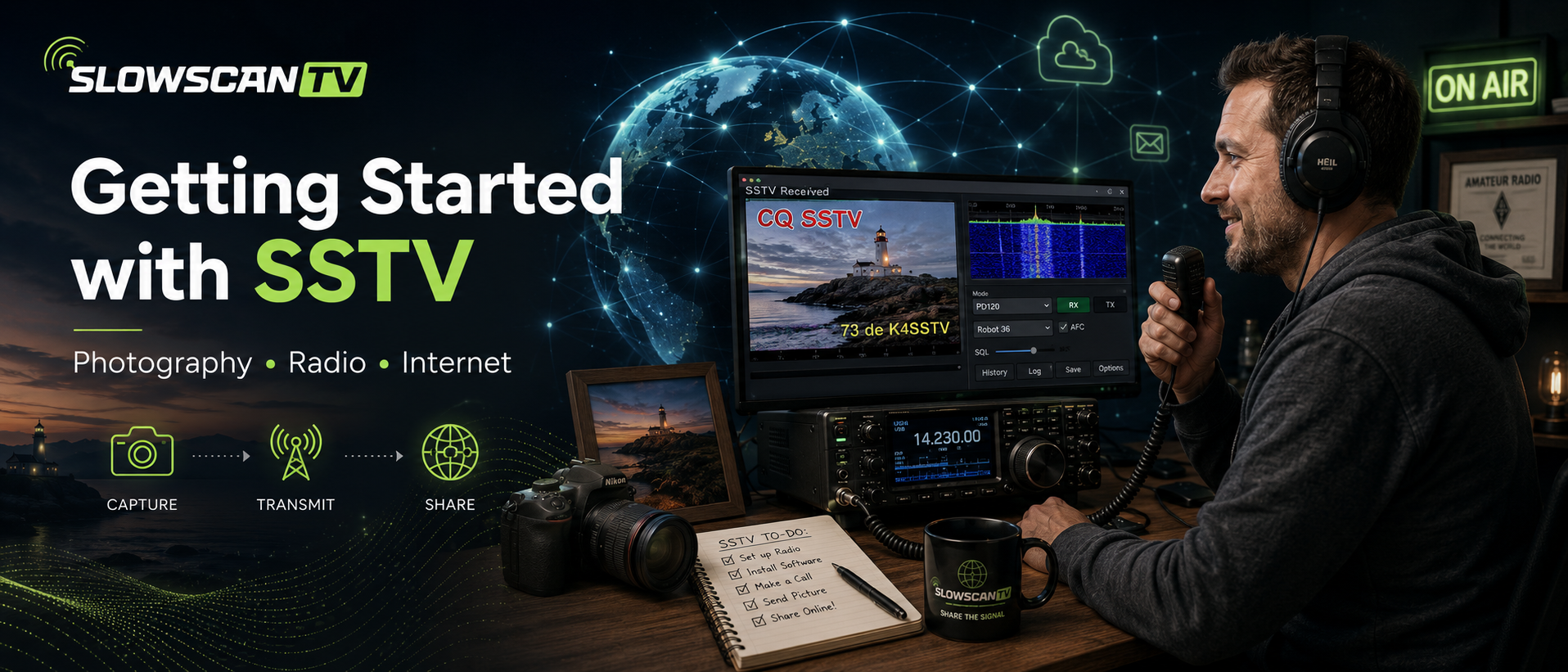
Welcome to the fascinating world of Slow-Scan Television (SSTV). SSTV allows amateur radio operators and radio enthusiasts to transmit and receive still images over ordinary radio signals. Whether you are completely new to amateur radio or already have years of experience, receiving your first SSTV image is easier than you might think.
Unlike conventional television, SSTV sends a single picture over the radio instead of moving video. Depending on the transmission mode, one image normally takes between 30 seconds and 2 minutes to complete. Popular SSTV modes include Martin, Scottie, Robot and PD.
To receive SSTV you only need a receiver capable of tuning the amateur radio bands. Examples include:
Several excellent SSTV programs are available.
The easiest method is simply placing your phone or computer microphone near the radio speaker. For the best image quality, connect the radio directly to your computer using a USB sound interface or an external sound card.
| Band | Frequency | Mode |
|---|---|---|
| 80 metres | 3.730 MHz LSB* | SSTV |
| 40 metres | 7.171 MHz LSB* | SSTV |
| 20 metres | 14.230 MHz USB | Worldwide Calling Frequency |
| 15 metres | 21.340 MHz USB | SSTV |
| 10 metres | 28.680 MHz USB | SSTV |
| 2 metres | 144.500 | SSTV |
| 2 metres | 144.800 | ISS-SSTV |
* Frequencies may vary slightly depending on IARU Region.
Congratulations! You have just received your first SSTV image.
The International Space Station (ISS) occasionally transmits commemorative SSTV images during special events. These transmissions are not continuous, so always check current announcements before listening.
Frequency: 145.800 MHz FM
To transmit SSTV you normally need:
Always:
SlowscanTV connects SSTV receiving stations from around the world. Members can automatically upload received images, share their stations and monitor worldwide SSTV activity in real time. Whether you're a beginner or an experienced operator, everyone is welcome.