145.800 MHz FM
Frequently associated with ISS voice and traditional ARISS SSTV activity.
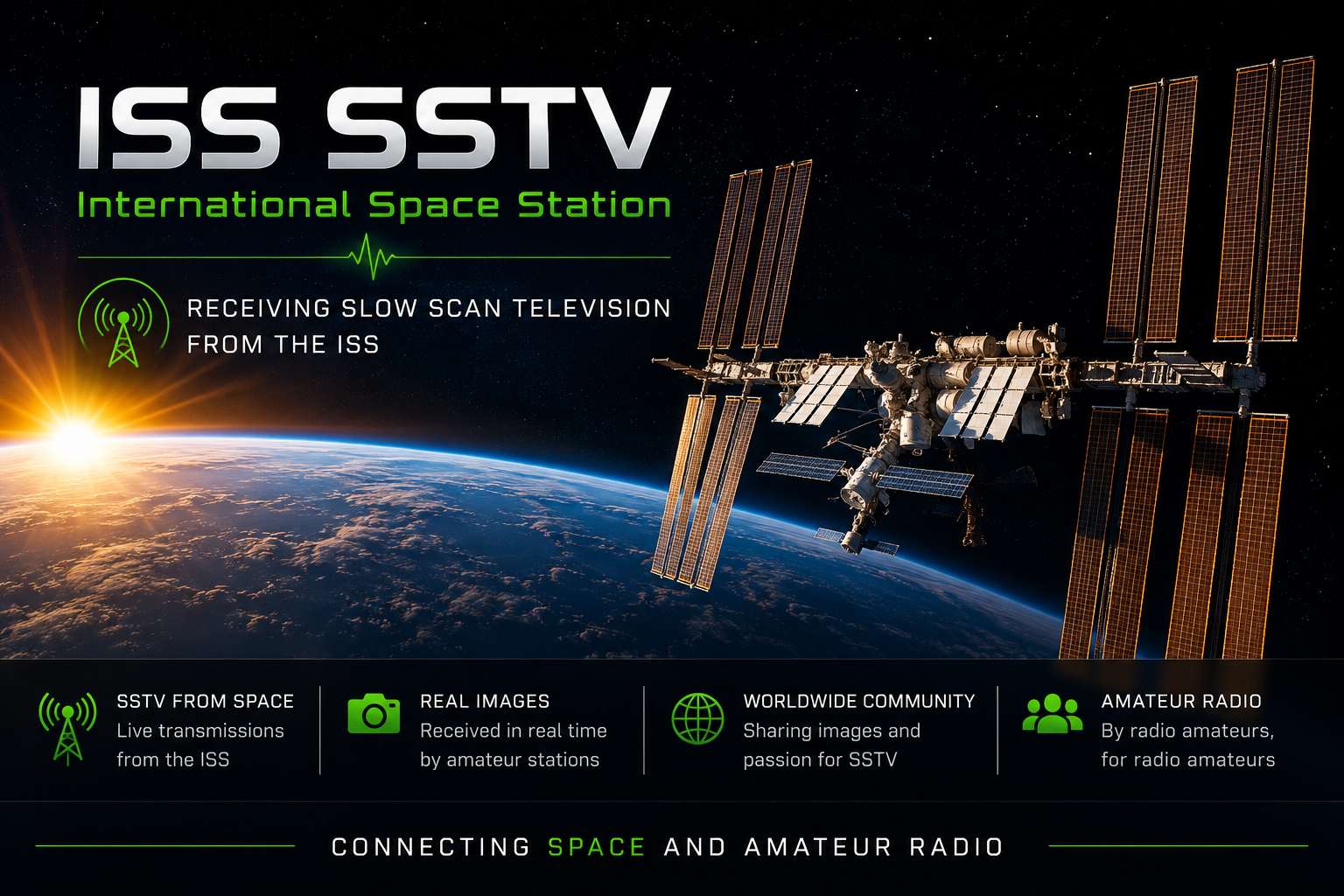
Receiving a picture directly from the International Space Station is one of the most exciting experiences in amateur radio. During special SSTV events, the ISS transmits a series of commemorative images that can be received by radio amateurs and listeners around the world.
SSTV stands for Slow-Scan Television. It is a system that converts a still image into audio tones. These tones can be transmitted through an ordinary radio signal.
During selected events, amateur radio equipment aboard the International Space Station sends SSTV pictures as the station travels around the Earth.
A receiving station records the audio signal and SSTV software converts the tones back into an image. The picture appears line by line on the screen.
In many countries, listening to amateur radio transmissions does not require an amateur radio licence. A licence is normally required only when transmitting. Always check the regulations that apply in your country.
“Cooperation in Space”
This SSTV series featured the theme Cooperation in Space.
The ISS does not transmit SSTV continuously. Frequencies, operating periods, equipment and transmission modes can vary between events. Always check the latest official announcement before listening.
Different ISS amateur radio activities may use different frequencies. The announced frequency for a particular event should always be treated as the correct one.
Frequently associated with ISS voice and traditional ARISS SSTV activity.
Used for the Expedition 74 Series 32 “Cooperation in Space” SSTV event.
You need a receiver that can tune the announced VHF or UHF frequency and receive FM signals.
A simple antenna can receive the ISS during a good, high-elevation pass.
SSTV software listens to the received audio and rebuilds the transmitted picture.
One of the easiest ways to begin is with an Android smartphone running Robot36.
Install an SSTV decoder that supports the mode used during the event.
Set the radio to the exact FM frequency announced for the SSTV event.
Start Robot36 before the ISS appears above your local horizon.
The smartphone microphone can listen directly to the audio from the radio.
When the transmission finishes, save the decoded image to your device.
Recording the received audio is highly recommended. If the live decode fails, you can replay the recording through your SSTV software later and try decoding the image again.
The ISS travels around the Earth approximately every ninety minutes, but it is only receivable when it is above the horizon at your location.
A pass prediction service or satellite tracking application can show:
The moment the ISS rises above your radio horizon.
Higher passes usually provide stronger signals.
The moment the ISS disappears below your radio horizon.
Confirm the date, time, frequency and decoder mode before preparing your station.
A pass with a higher maximum elevation normally gives you more receiving time and a stronger signal.
Turn on the radio and decoder at least five minutes before the predicted AOS time.
A closed squelch can cut away weak parts of the transmission and damage the decoded picture.
With a directional antenna, slowly point it along the predicted path of the station.
Multiple images may be transmitted during one pass. Save each successful reception.
Because the International Space Station is moving rapidly relative to your receiving station, the received frequency can shift slightly during a pass.
At the beginning of the pass, the received signal may appear slightly higher in frequency. Near the end of the pass, it may appear slightly lower.
Most FM receivers can receive an ISS signal without continuous adjustment, but narrow filters or weak passes may benefit from small tuning corrections.
Passes with a high maximum elevation normally produce stronger and longer signals.
Buildings, trees and hills can block or weaken the satellite signal.
Keep the radio volume high enough for the decoder, but avoid clipping or overloading the microphone.
Noise reduction and aggressive audio filters can distort the SSTV tones.
A small handheld Yagi can greatly improve VHF and UHF satellite reception.
A recording allows repeated decoding attempts after the satellite pass has ended.
In some situations, an online satellite receiver or a remotely controlled SDR may be available. However, many ordinary WebSDR receivers use fixed terrestrial antennas and are not designed to follow fast-moving satellites.
For the most rewarding experience, use your own VHF or UHF receiver and antenna.
ISS SSTV events are popular because thousands of listeners around the world can receive the same image from different locations.
SlowscanTV can become a place where these receptions are shared, compared and preserved.
A dedicated gallery could show received ISS images together with the listener's callsign, country, location, equipment, antenna, reception time and signal report.
This will create a worldwide visual record of every major ISS SSTV event.
No. SSTV transmissions normally take place only during announced special events.
A licence is generally not required for receiving only, although national regulations can differ. Transmitting on amateur radio frequencies normally requires an appropriate licence.
Yes. A handheld receiver can often receive the ISS during a good overhead pass, especially when connected to a suitable external antenna.
The transmission may have started before your receiver acquired the signal, or the ISS may have moved below your local horizon before the image was complete.
Yes. A clean audio recording can be replayed into Robot36, MMSSTV, QSSTV or another suitable decoder.
This depends on the duration of the pass, the transmission schedule and the length of the SSTV mode. Some passes may allow reception of more than one image.
Every successful ISS SSTV image has travelled hundreds of kilometres from a spacecraft moving around the Earth at very high speed. Receiving one with a simple radio and antenna is a remarkable demonstration of amateur radio and space communication.