Transmission Time
Fast modes can transmit an image in less than one minute. Higher-quality modes may require several minutes.
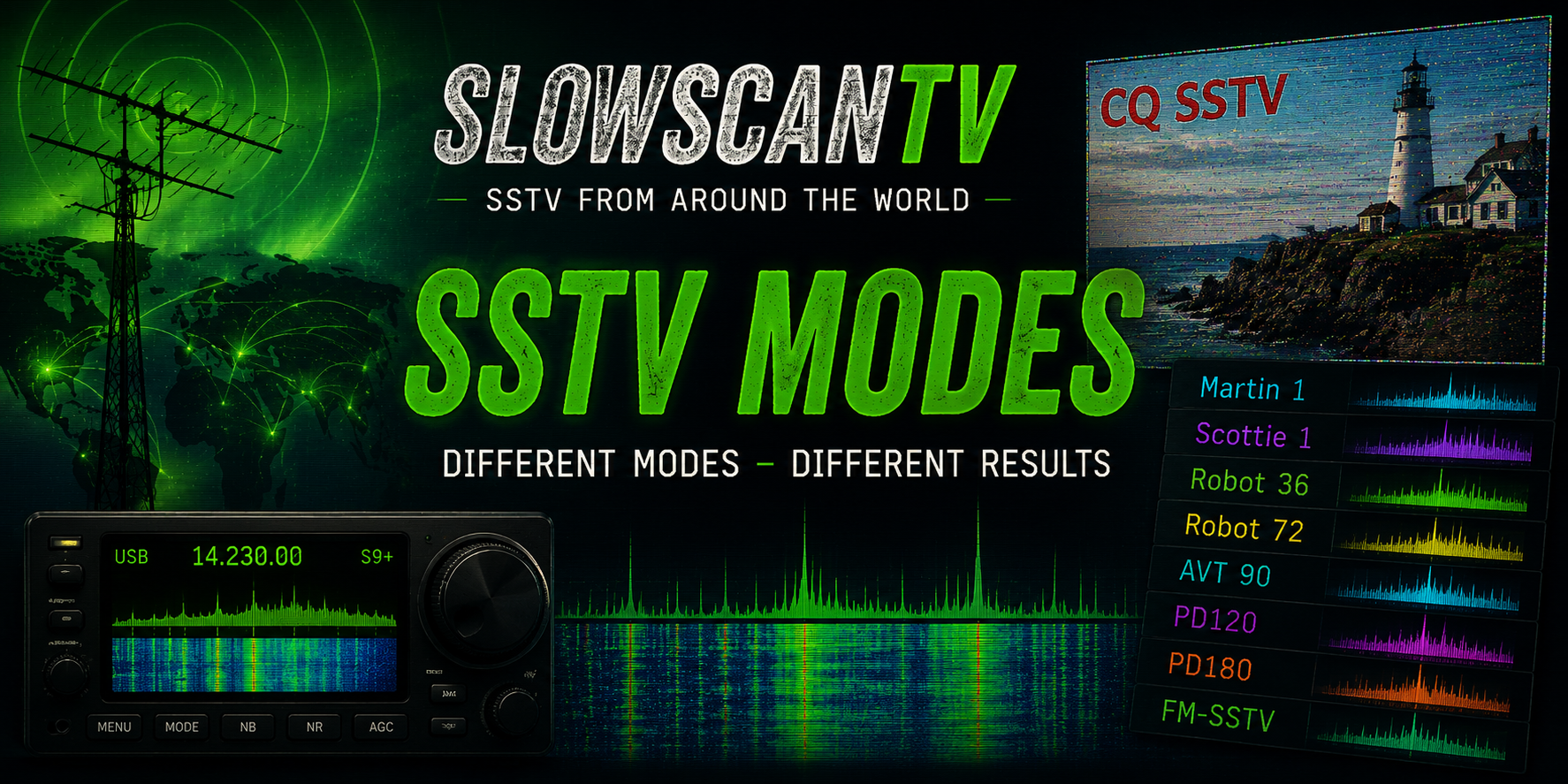
Slow Scan Television uses several different transmission modes. Each mode determines how an image is converted into audio, how long the transmission takes and how much picture detail can be received.
Some modes are fast and suitable for short contacts, while others use longer transmission times to provide higher resolution and better image quality.
An SSTV mode is a defined method for transmitting a still image using audio tones. It controls the order in which picture lines and colour information are sent.
The selected mode determines several important characteristics:
Fast modes can transmit an image in less than one minute. Higher-quality modes may require several minutes.
Resolution determines how much detail can be displayed in the final decoded image.
Different mode families transmit colour information in different sequences and formats.
A shorter mode may be useful during unstable propagation, while a longer mode can provide more detail when signals are reliable.
Most analogue SSTV transmissions begin with a short identification sequence called a VIS code.
VIS means Vertical Interval Signalling. The code tells the receiving software which SSTV mode is being transmitted.
When the VIS code is received correctly, software such as MMSSTV, RX-SSTV or QSSTV can normally select the correct mode automatically.
When the beginning of a transmission is missed, the VIS code may not be received. The operator may then need to select the mode manually.
The following table compares several modes commonly encountered on amateur-radio frequencies. Transmission times are approximate.
| Mode | Family | Approximate Time | Typical Resolution | Typical Use |
|---|---|---|---|---|
| Martin M1 | Martin | 114 seconds | 320 × 256 | Popular general HF mode |
| Martin M2 | Martin | 58 seconds | 320 × 256 | Faster Martin transmission |
| Scottie S1 | Scottie | 110 seconds | 320 × 256 | Popular general HF mode |
| Scottie S2 | Scottie | 71 seconds | 320 × 256 | Faster Scottie transmission |
| Scottie DX | Scottie | 269 seconds | 320 × 256 | Long-distance and difficult conditions |
| Robot 36 | Robot | 36 seconds | 320 × 240 | Fast colour image transmission |
| Robot 72 | Robot | 72 seconds | 320 × 240 | Improved Robot image quality |
| PD50 | PD | Approximately 50 seconds | 320 × 256 | Fast PD transmission |
| PD90 | PD | Approximately 90 seconds | 320 × 256 | Balanced speed and quality |
| PD120 | PD | Approximately 2 minutes | 640 × 496 | High-resolution images and ARISS events |
| PD180 | PD | Approximately 3 minutes | 640 × 496 | High-quality detailed images |
The Martin family is extremely popular among European SSTV operators. Martin modes provide good colour reproduction and reliable image quality.
Martin M1 offers a good balance between transmission time and picture quality. It is one of the most frequently heard modes on HF.
Martin M2 transmits the same general image dimensions in roughly half the time of Martin M1.
The faster transmission can be useful when conditions change rapidly, although image quality may be more affected by noise.
Scottie modes are widely used around the world. Their synchronisation structure differs from Martin modes, but the completed images have similar dimensions.
Scottie S1 is one of the most commonly used SSTV modes. It provides good detail and colour in a transmission lasting just under two minutes.
Scottie S2 offers a shorter transmission time than S1. It is useful when operators want to exchange images more quickly.
Scottie DX uses a much longer transmission time. The slower scan can provide useful results during difficult long-distance reception.
Robot modes are among the oldest widely supported colour SSTV formats. Robot 36 remains popular because an image can be sent in little more than half a minute.
Robot 36 is one of the fastest commonly used colour SSTV modes. It is suitable for short transmissions and rapidly changing conditions.
Because less time is available for picture information, the image normally contains less colour detail than a slower high-resolution mode.
Robot 72 uses approximately twice the transmission time of Robot 36 and provides improved colour and picture quality.
PD modes are designed to provide efficient colour transmission and, in several variants, higher image resolution than traditional Martin, Scottie and Robot modes.
The number in the mode name gives an approximate indication of the transmission duration. Longer PD modes normally provide greater detail.
PD50 provides a relatively fast colour transmission while retaining the characteristic PD colour system.
PD90 offers a useful compromise between transmission duration, picture detail and resistance to changing conditions.
PD120 produces a detailed high-resolution picture in approximately two minutes.
This mode has frequently been used during SSTV events organised through Amateur Radio on the International Space Station.
PD180, PD240 and PD290 use longer transmission times to provide detailed pictures.
These modes are most useful when propagation remains stable throughout the complete transmission.
There is no single best SSTV mode for every situation. The correct choice depends on the radio conditions, available contact time and desired image quality.
Widely supported, commonly heard and easy to recognise.
Useful when only a short transmission is required.
Both modes provide a good balance between duration and picture quality.
PD120 has often been used for SSTV transmissions from the International Space Station.
Suitable when fine detail is more important than transmission speed.
A shorter transmission reduces the chance that fading damages a large part of the picture.
Selecting the wrong mode can cause a severely distorted picture. The image may have incorrect dimensions, unusual colours, displaced lines or no recognisable content.
Picture lines may appear too long, too short or positioned in the wrong part of the image.
Colour information can be decoded in the wrong order, producing unrealistic colours.
Slant is usually caused by tuning or timing differences, although incorrect mode selection can make it worse.
When the beginning of the transmission is missed, automatic mode detection may fail.
A recording allows you to decode the transmission again and test another mode when automatic detection was incorrect.
Receiving and decoding SSTV signals normally does not require the listener to choose a mode in advance.
Most software detects the VIS code automatically. Manual selection is useful when the start of the transmission was missed.
Transmitting requires a suitable amateur-radio licence and operation within the regulations and band plan applicable to your country.
Choose a mode appropriate for the frequency, propagation conditions and operators sharing the channel.
Martin M1 and Scottie S1 are among the most commonly heard modes on HF. Popularity can vary by region, frequency and operating group.
Several very short modes exist, including monochrome formats. Robot 36 is one of the fastest commonly used colour SSTV modes.
Longer high-resolution modes such as PD120, PD180 and longer PD variants can provide excellent detail.
Actual received quality still depends on signal strength, interference, fading, tuning and audio quality.
ARISS SSTV events have frequently used PD120. The mode can change, so event information should always be checked before reception begins.
Yes. Most SSTV programs use the VIS code at the beginning of the transmission to select the mode automatically.
A slanted image is normally caused by a small timing difference, an inaccurate sound-card clock or incorrect receiver tuning.
Many SSTV programs include a slant-correction function.
Not always. A longer mode can provide more detail, but it also gives fading and interference more time to damage the transmission.
During unstable conditions, a shorter mode may produce a more complete picture.
Yes. Record the received audio as a WAV file or another suitable uncompressed format. The recording can later be played back into SSTV software.
The best way to learn the differences between SSTV modes is to receive, compare and decode real transmissions.
Listen to several modes and compare their speed, colour quality, resistance to fading and final picture detail.
Over time, the distinctive sound and rhythm of Martin, Scottie, Robot and PD transmissions become easy to recognise.