The MMSSTV log
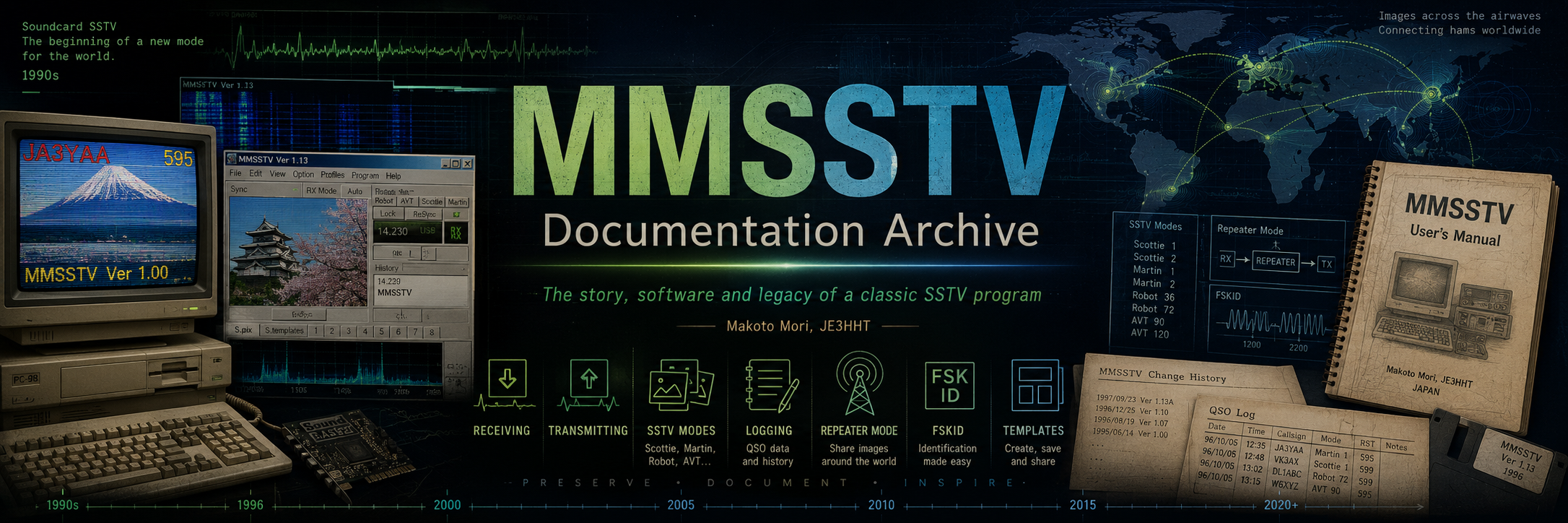
MMSSTV includes a built-in logging utility. The original documentation describes it as a relatively simple logger with useful functions such as callsign searching.
The active log file uses the .MDT extension. The name of
the current log is shown in the MMSSTV title bar.
A typical filename suggested in the original manual is your_call_sign.mdt.
Basic QSO workflow
- Enter the other station's callsign in the Call box.
- Press Find to search previous contacts.
- When the QSO begins, press QSO to record the starting time.
- Enter reports, QTH and other information.
- Press QSO again when the contact is complete to record the ending time.
Log list and editing
The List button opens the QSO data list. Individual contacts can be opened for editing, and the list provides functions for selecting, deleting and sorting records.
The logging utility also includes forward and backward callsign searches and can rebuild the callsign index if the search index becomes unusable.
Import and export
MMSSTV can import and export log information in several formats.
ADIF
Supported for import and export.
Text
CSV, tab-separated and plain text formats.
LOG200 / Turbo HAMLOG
Historical Japanese logging formats.
MMLOG
MMSSTV could load and save MMLOG text format.
Export macros
Examples from the original documentation include:
UTC export
The export dialog includes a UTC option. When enabled, MMSSTV outputs the date and time in UTC.
Historical contest functions
MMSSTV also contained experimental contest logging functions, including contest serial-number handling and duplication checking. These functions are preserved here as part of the historical MMSSTV feature set.